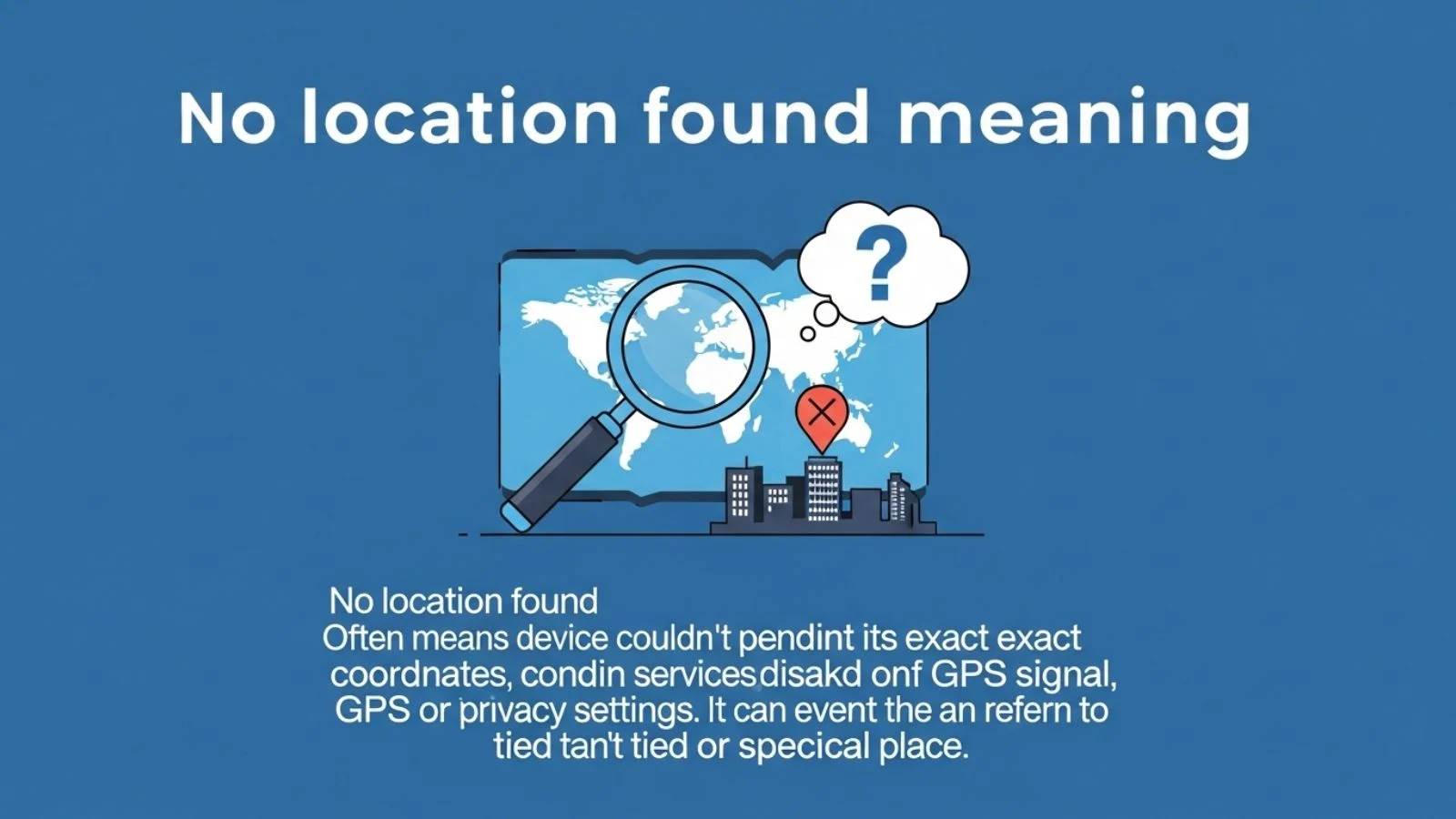
What Does “No Location Found” Mean?
The phrase “No Location Found” means:
The device or app cannot detect or show someone’s current location.
In simple words:
It means the system tried to find a location but failed.
It does not always mean something bad.
It usually means there is a technical problem.
Simple Definition in Easy Words
No Location Found = The system cannot see where the device is.
That’s it.
The GPS or location system is not working properly at that moment.
Where Do You See “No Location Found”?
You may see this message in:
- iPhone location sharing
- Android location apps
- Google Maps
- Family tracking apps
- Ride-sharing apps
- Delivery apps
- Smart watches
- Car tracking systems
It mostly appears in apps that use GPS (Global Positioning System).
What Is GPS? (Very Simple Explanation)
GPS is a system that helps your phone know where you are.
It works using:
- Satellites in space
- Internet connection
- Phone sensors
If one of these stops working, the phone cannot find your location.
That is when you may see “No Location Found.”
Why Does “No Location Found” Appear?
There are many common reasons.
1. No Internet Connection
If Wi-Fi or mobile data is off, the phone may not update location.
Example:
You are in a basement with no signal. The app shows “No Location Found.”
Explanation:
The phone cannot connect to the internet, so it cannot update location.
2. GPS Is Turned Off
Sometimes location services are disabled.
Example:
You turned off location to save battery.
Explanation:
The app cannot access GPS, so it shows this message.
3. Airplane Mode Is On
Airplane mode stops internet and network signals.
Explanation:
Without signal, location tracking may fail.
4. The Device Is Switched Off
If someone’s phone is off, their location cannot update.
Explanation:
The system cannot connect to a powered-off device.
5. Poor Signal Area
Places like:
- Underground parking
- Mountains
- Elevators
- Remote villages
Explanation:
GPS needs signal. Weak signal = no location.
6. App Permission Not Allowed
Sometimes apps don’t have permission to access location.
Explanation:
If permission is denied, location cannot be shown.
7. Phone Battery Is Dead
If battery dies, location sharing stops.
Explanation:
No power means no tracking.
Is “No Location Found” the Same as “Location Not Available”?
No. They are slightly different.
| Message | Meaning |
|---|---|
| No Location Found | System tried but failed to detect location |
| Location Not Available | Location sharing may be turned off or restricted |
In simple words:
- “No Location Found” = Technical problem
- “Location Not Available” = Sharing may be disabled
Many people confuse these two.
Origin and History of the Phrase
The phrase became common after smartphones introduced:
- GPS tracking
- Family sharing apps
- Find My Phone services
Around 2010–2015, smartphones added location-sharing features.
When systems failed to detect location, developers needed a simple error message.
So they used:
“No Location Found”
It is a system-generated message.
It is not slang.
It is not emotional language.
It is technical wording.
Real-Life Examples with Simple Explanation
Let’s look at daily situations.
Example 1: Parent Checking Child’s Location
Mother: “Why does it say No Location Found?”
Father: “Maybe her phone battery is dead.”
Explanation:
The child’s phone may be off, so location cannot update.
Example 2: Friends Sharing Location
Ali: “I can’t see your location.”
Sara: “Oh, my internet is off.”
Explanation:
Without internet, location sharing stops.
Example 3: Lost Phone Situation
Person: “I opened Find My Phone and it says No Location Found.”
Explanation:
The lost phone may be switched off or not connected to the internet.
Example 4: Traveling in Mountains
Friend: “Your location disappeared.”
You: “I’m in a mountain area.”
Explanation:
Remote places may have weak GPS signal.
Example 5: After Phone Update
User: “After update, it shows No Location Found.”
Support: “Please allow location permissions again.”
Explanation:
Updates sometimes reset app permissions.
Emotional Reactions vs Reality
Many people panic when they see this message.
They may think:
- Someone blocked me
- Someone is hiding
- Something is wrong
- The person is in danger
But most of the time:
It is just a technical issue.
Personality Traits & Usage Context
People react differently based on personality.
1. Overthinkers
They may worry too much.
They think something serious happened.
Explanation:
They connect technical issues with emotional problems.
2. Calm Thinkers
They check:
- Internet
- Battery
- Settings
Explanation:
They know it is usually a small issue.
3. Controlling Personalities
They may suspect someone is hiding their location.
Explanation:
They may use location tracking for control, not safety.
Healthy Usage Context
Location sharing should be used for:
- Safety
- Travel tracking
- Emergency situations
- Family coordination
It should not be used to control others.
Modern Examples (Updated for 2026)
In 2026, location tracking is more advanced.
Still, the message appears.
Here are modern situations:
1. Smart Watches
If smartwatch disconnects from phone, location may stop updating.
2. Electric Vehicles
Car apps may show “No Location Found” if the car has no network.
3. Delivery Apps
Delivery tracking may fail if rider enters no-signal zone.
4. AI-Based Tracking Apps
Even AI apps depend on GPS.
No signal = No location.
5. Privacy Mode (2026 Feature)
Many phones now include:
Temporary Privacy Mode
If enabled, location sharing pauses.
Some apps show “No Location Found” instead of “Location Paused.”
Common Mistakes and Misconceptions
Let’s clear confusion.
Mistake 1: It Means Someone Blocked You
Not true.
Blocking usually shows different messages.
Mistake 2: It Means Someone Turned Off Sharing
Not always.
Sometimes it’s just bad signal.
Mistake 3: It Means Phone Is Stolen
Not necessarily.
It may just be offline.
Mistake 4: It Means Person Is Hiding Something
This is an emotional guess.
Most times it is technical.
Technical Reasons in Detail
Here are deeper causes:
- Server outage
- App glitch
- Software bug
- Outdated app version
- Phone storage full
- VPN interference
- Network firewall blocking GPS
Explanation:
Technology is complex. Small errors can stop location updates.
How to Fix “No Location Found”
Here are simple steps:
- Turn on internet
- Turn on location services
- Restart phone
- Check battery
- Update app
- Reinstall app
- Check permissions
In most cases, the issue fixes quickly.
Safety Note
If you suspect real danger:
- Try calling the person
- Send a message
- Contact local emergency services
Do not depend only on location apps.
Technology can fail.
Differences Between iPhone and Android Messages
Both systems show similar messages.
However:
- iPhone may show “No Location Found” in Find My
- Android may show “Location Unavailable”
The meaning is almost the same.
When Should You Worry?
You should worry only if:
- The person is missing
- Phone was stolen
- No contact for long time
- There is emergency history
Otherwise, it is usually minor.
Table: Quick Summary
| Situation | Meaning | Should You Worry? |
|---|---|---|
| Phone off | Cannot update location | No |
| No internet | Cannot send data | No |
| GPS off | App cannot access location | No |
| Emergency + no contact | Possible serious issue | Yes |
| App glitch | Technical problem | No |
Is “No Location Found” Slang?
No.
It is not slang.
It is a technical system message.
People do not use it in normal conversation unless talking about apps.
Can Someone Fake “No Location Found”?
In some cases:
- They can turn off phone
- They can disable location
- They can enable airplane mode
But the message alone does not prove anything.
It only shows location is not updating.
Privacy and Ethics (Important in 2026)
Location tracking raises privacy concerns.
In 2026:
- Many countries have strict privacy laws
- Apps must ask permission clearly
- Users can pause sharing anytime
Seeing “No Location Found” may simply mean someone chose privacy.
And that is okay.
Frequently Asked Questions
1. Does “No Location Found” mean I am blocked?
No.
Blocking usually shows different errors. This message mostly means technical failure.
2. Can I see someone’s last location if it says No Location Found?
Sometimes yes.
Some apps show last known location before connection stopped.
3. How long does “No Location Found” last?
It can last minutes or hours.
It depends on internet, battery, or device status.
4. Does it mean the phone is dead?
Maybe.
Dead battery is one common reason.
5. Why does it show this for only one person?
That person’s device may have:
- No internet
- GPS off
- Privacy settings changed
6. Is it a sign of cheating or hiding?
Not necessarily.
It is usually technical, not emotional.
7. Can hackers cause “No Location Found”?
Rarely.
Most cases are normal technical issues, not hacking.
Final Thoughts: Simple and Clear
The meaning of “No Location Found” is simple.
It means the system cannot detect or update a device’s location.
It is usually caused by:
- No internet
- GPS turned off
- Phone battery dead
- Weak signal
- App glitch
It does not automatically mean something serious.
In 2026, even with advanced technology, location systems still depend on signal and power.
If you see this message, stay calm.
Check basic settings first.
Communicate directly with the person.
Technology is helpful, but human communication is always better.
If you found this guide helpful, explore more simple meaning guides to understand everyday digital phrases with confidence.
Discover More Post
Gringo Meaning: Simple Definition, Origin, History, and Real-Life Examples (2026 Guide)
Tweaking Meaning: Simple Definition, Slang Use, Origin, and Real-Life Examples (2026 Guide)
Nieve Meaning in English: Simple Definition, Origin, and Everyday Use (2026)